


Thematic data maps show the spatial and temporal distribution of selected data on a map:
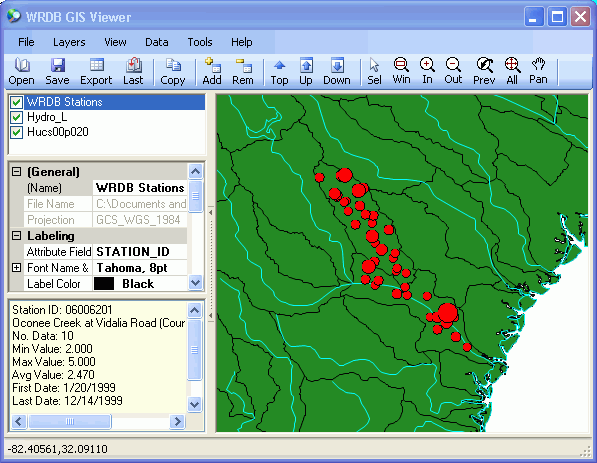
When first displayed, a new WRDB Stations shape file is automatically created using the information stored in the WRDB Stations table. Then the available data are analyzed and values at each station are indicated by the relative size of the symbols on the map. The selected data are analyzed thus:
the desired PCode is selected
the type of statistics to display is chosen from:
Number of observations
Average value
Minimum value
Maximum value
temporal aggregation is selected:
Period of record: statistics are computed from all data regardless of
when collected; no animation can be done
None: each time step in data file is shown
individually (there is not time aggregation); this is most useful
when displaying model results
Month: data are aggregated into calendar months
Growing season: data from March 15 to November 15
of each year are aggregated
Annual: each calendar year is aggregated
For all types of aggregation other then Period of Record, you can also do animation such that the animation toolbar at the bottom of the screen can be used to select the desired timestep, month, or year (see Animation).